An enterprise collaboration platform under one roof
Chat, voice and video calls, meetings, screen sharing, and team management — all in one experience built for secure organizations.
A comprehensive enterprise communications ecosystem
Not just another chat app — RMZ unifies messaging, calls, meetings, and user/permission management under one umbrella, with a multi-layer security model.
- Secure 1-on-1 and group messaging
- High-quality voice and video calls
- Meetings with recording & governance
- Active Directory & LDAP integration
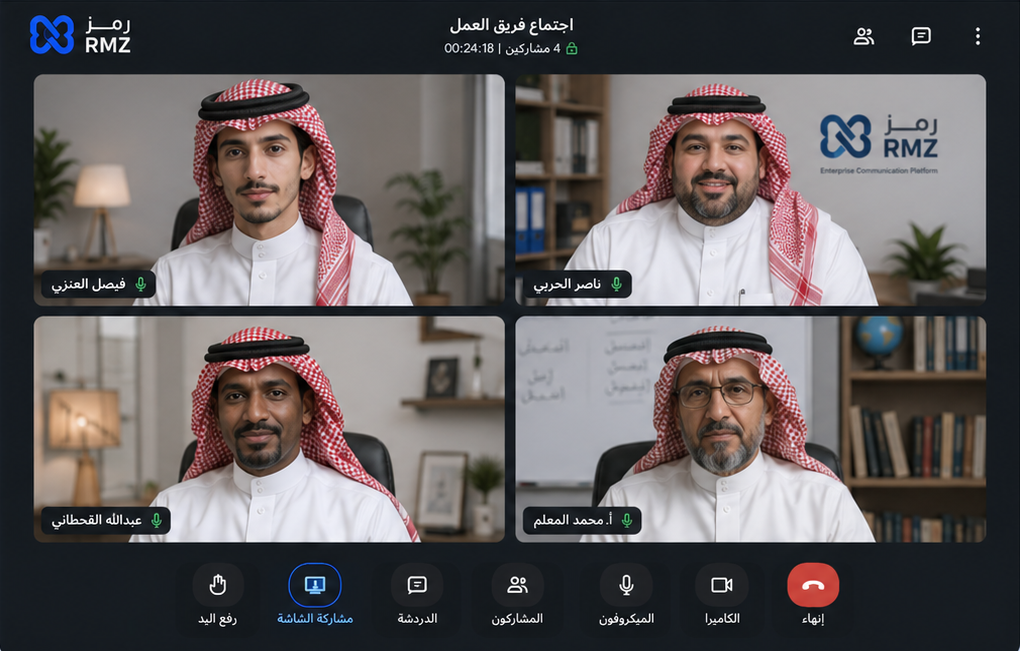
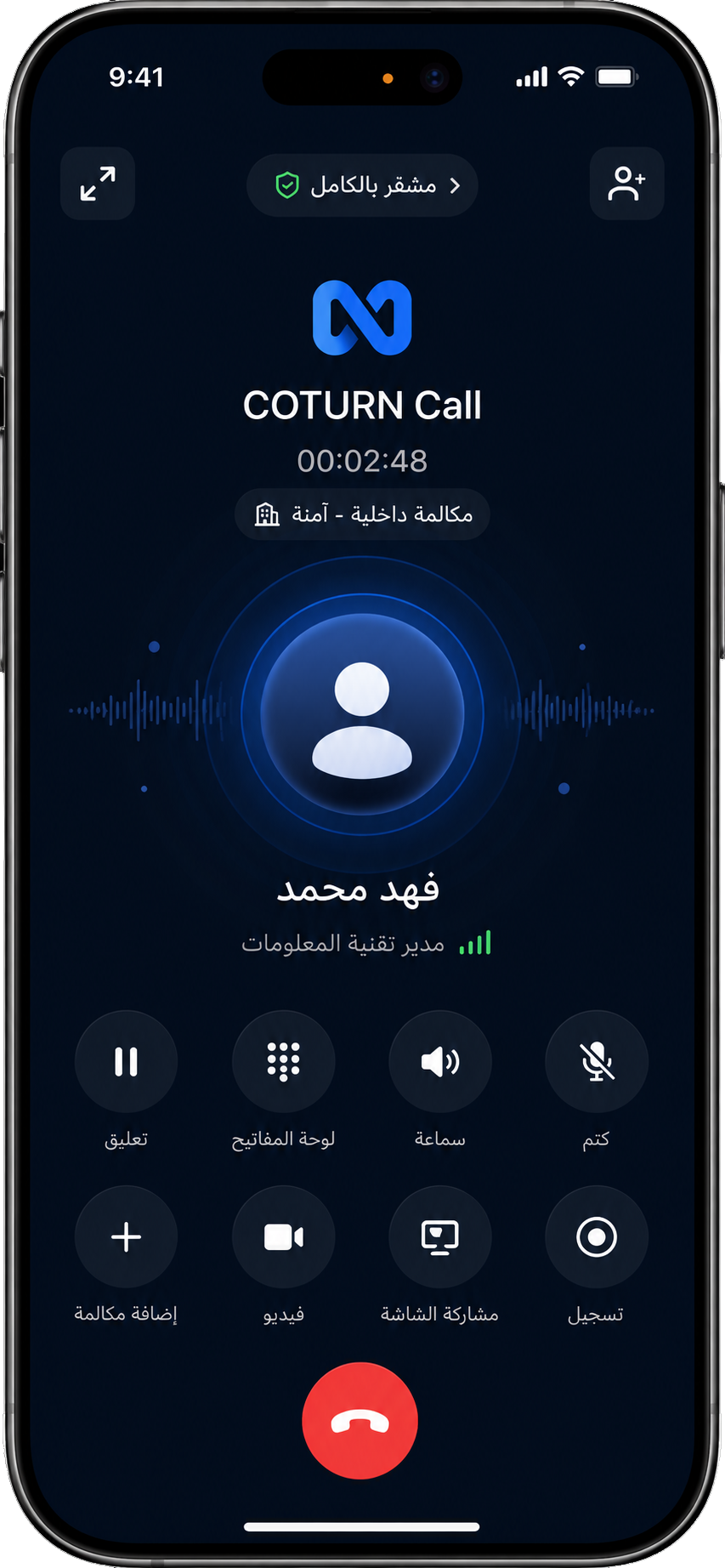
Voice & video at enterprise quality
Smooth on every device, with end-to-end encryption and dynamic connection-quality management.
- 1-on-1 and group calls
- Encrypted audio and video channels
- Participant control & join permissions
- Automatic quality management
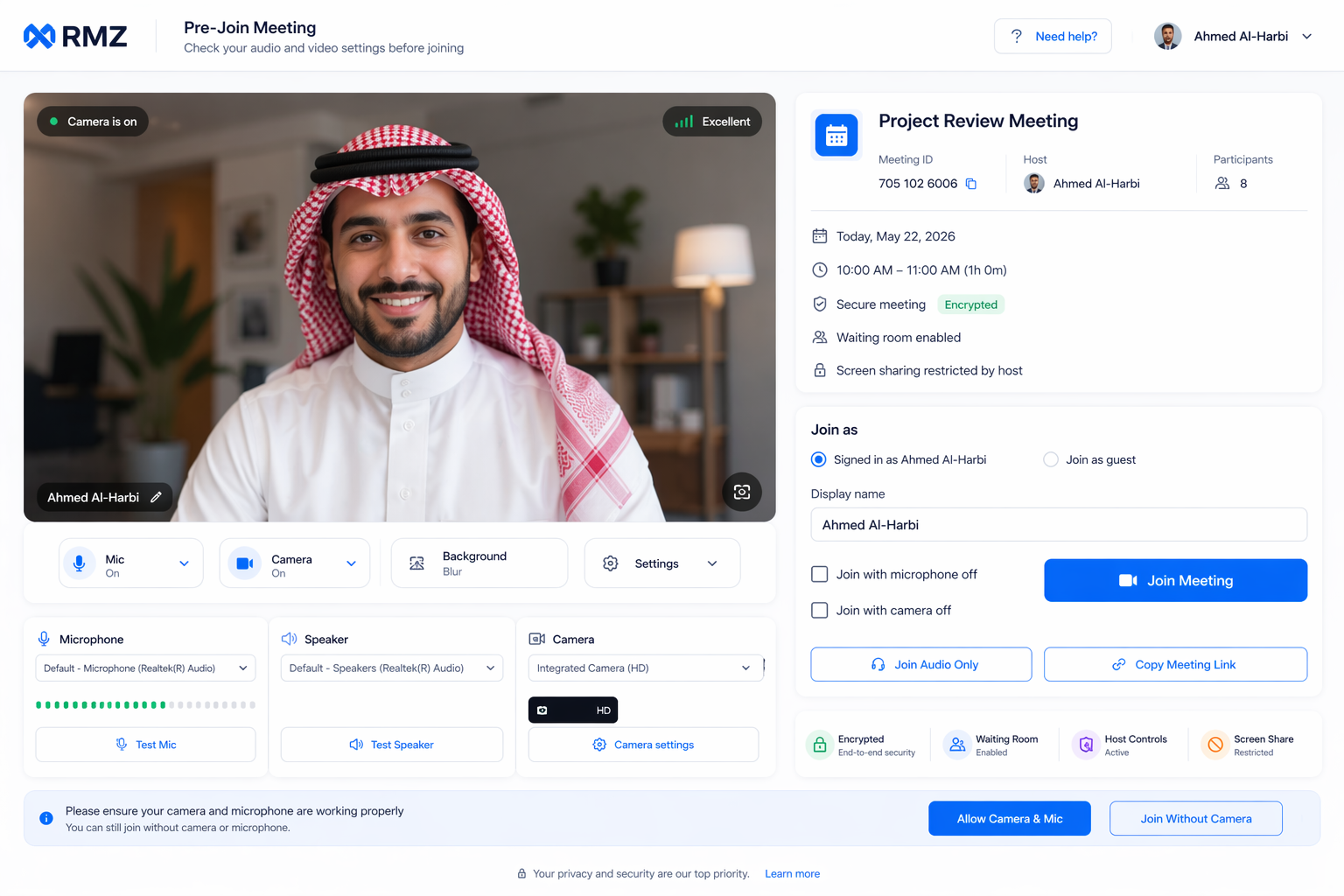
A smart, secure Pre-Join screen
Before joining a meeting, users verify camera/mic, pick a virtual background, and review security status.
- Camera and microphone preview
- Virtual backgrounds for privacy
- Smart waiting room
- Connection quality indicator
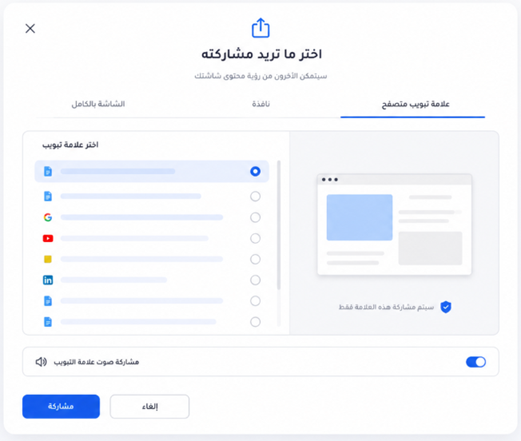
Screen sharing with enterprise controls
Granular control over who shares, when, and how — full screen, a window, or a single app — with a dynamic watermark.
- Pick screen / window / app
- Role-based permissions
- Viewer-identity watermark
- Screen capture prevention
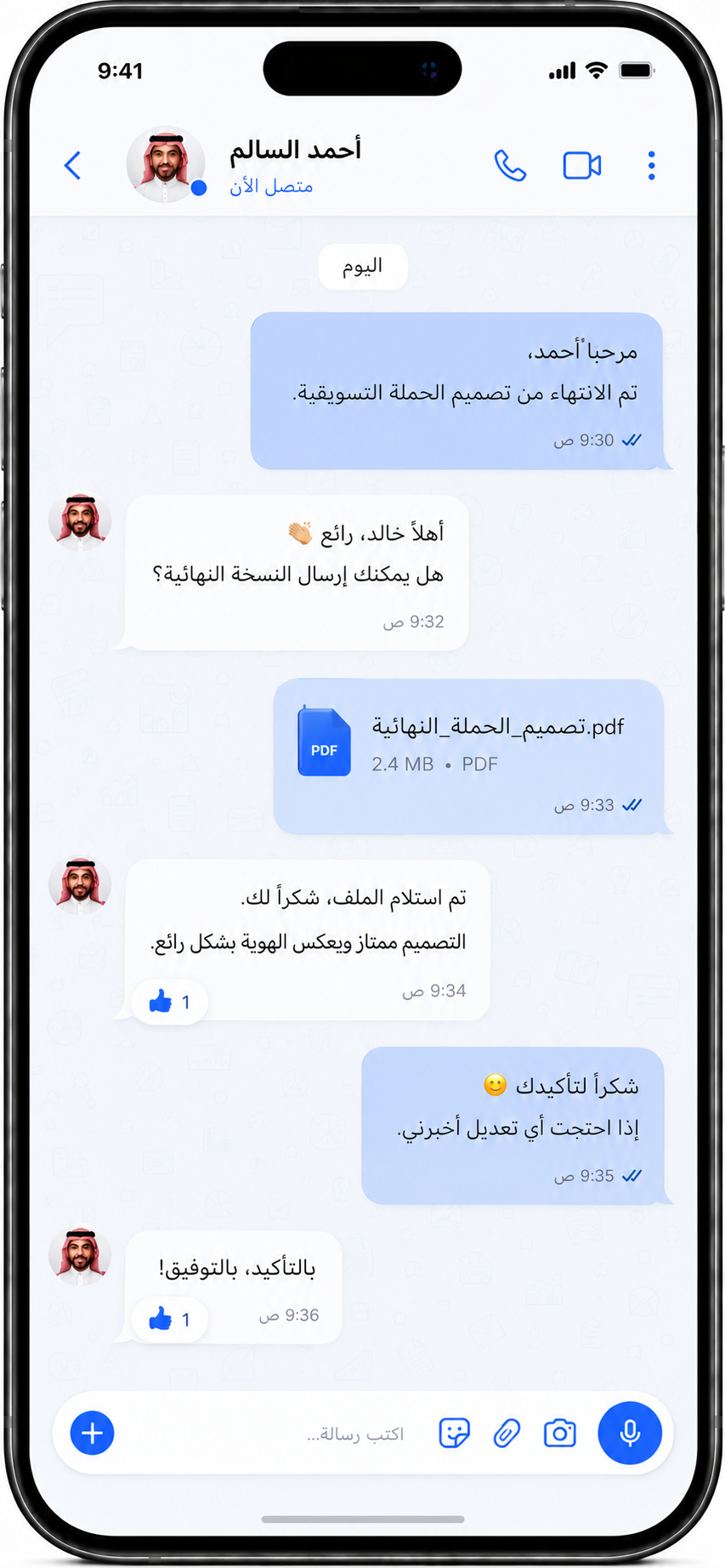
Native experience on phones
A mobile app built specifically for iOS and Android, with instant push notifications and deep OS integration.
- Instant chat with groups
- Native push notifications
- High-quality calls
- Enterprise MDM policies
Integrated meetings ecosystem with full governance
Instant or scheduled meetings, secure expiring links, smart waiting room, lock meetings, dynamic watermark, and complete participant control — all under host management.
- Instant or scheduled with automatic email invitations
- Secure links with customizable expiration windows
- Smart waiting room and meeting lock
- Dynamic watermark with viewer identity
- Mute, remove, and join-permission control
- In-meeting chat and per-participant status
Secure messaging with customizable policies
1-on-1, group, and topic-room conversations with permission-aware search and retention/deletion policies tuned to your organization's requirements.
- 1-on-1, group, and topic rooms
- Protected files and media within org policies
- Native system notifications and read receipts
- Advanced, permission-aware search
- End-to-end encryption on content and channel
- Retention, deletion, and automatic archiving
Available on every platform and deployment environment
Full support across web, desktop, and mobile, with multiple deployment options to match your organization's needs.
Four surfaces under one unified platform
Same account, same conversations, same meetings — on every device in real time.
Web
Browser, no install- Instant one-click access
- Works on every browser
- Automatic updates
Mobile
Native apps- Instant chat
- Push notifications
- MDM policies
Desktop
Full experience- Windows / macOS / Linux app
- Advanced screen sharing
- rmz:// protocol
Admin Console
Central control- Users & roles
- Security policies
- Audit & monitoring
See the full interactive presentation
A 24-slide executive deck that walks the platform from strategic introduction through deployment and enterprise management.
Open the interactive presentation